[PostgreSQL] Ubuntu: 특정 버전 설치
DB를 쓰다보면, 특정 버전을 설치해야 할 필요가 많다. 생각보다 호환성이 맞지 않는게 대단히 많기 때문에, 버전이 한두개씩만 차이나도 마이그레이션 같은걸 돌릴 수가 없기 때문이다.
먼저 다음 명령을 실행해서 로컬 apt 저장소에 postgres 정보를 추가한다.
sudo sh -c 'echo "deb http://apt.postgresql.org/pub/repos/apt $(lsb_release -cs)-pgdg main" > /etc/apt/sources.list.d/pgdg.list'
wget --quiet -O - https://www.postgresql.org/media/keys/ACCC4CF8.asc | sudo apt-key add -
sudo apt-get update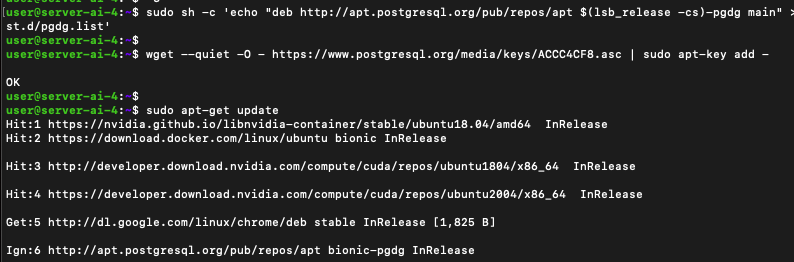
근데 여기서 update가 제대로 되지 않을 수도 있다.
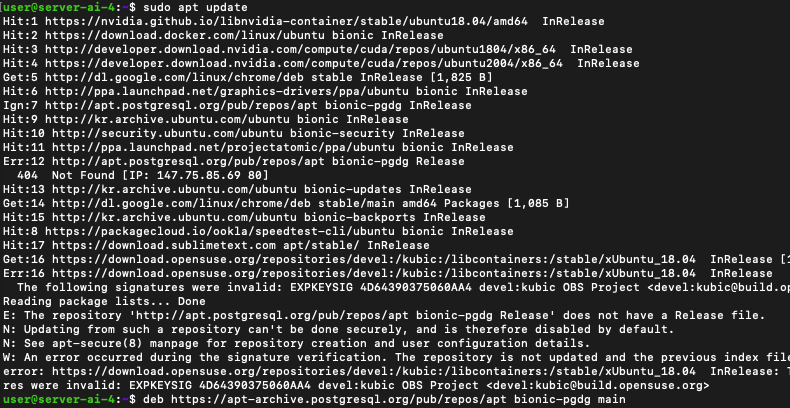
E: The repository 'http://apt.postgresql.org/pub/repos/apt bionic-pgdg Release' does not have a Release file.레포지토리를 찾을 수 없다고 한다.
이 경우에는 오래된 버전이라 레포지토리를 아카이브로 옮겨버려서 문제가 생긴 것이다.
아래 파일을 변경해서
sudo vi /etc/apt/sources.list.d/pgdg.list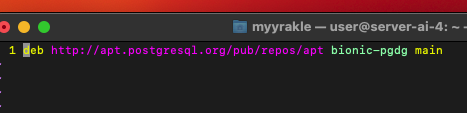
deb https://apt-archive.postgresql.org/pub/repos/apt bionic-pgdg main 이렇게 아카이브 버전으로 옮겨주고
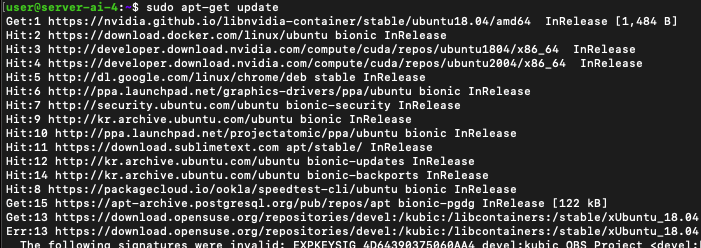
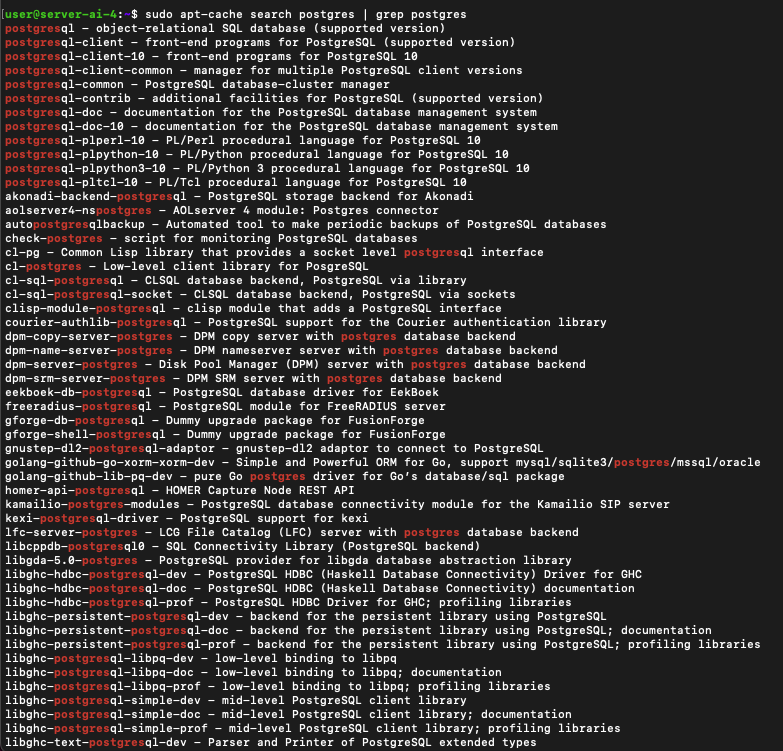 다시 update을 치면 된다.
이것저것 버전이 많이 추가된걸 볼 수 있다.
그리고 설치하면 된다.
내 경우에는 13 버전이 필요했다.
sudo apt-get install -y postgresql-13 postgresql-contrib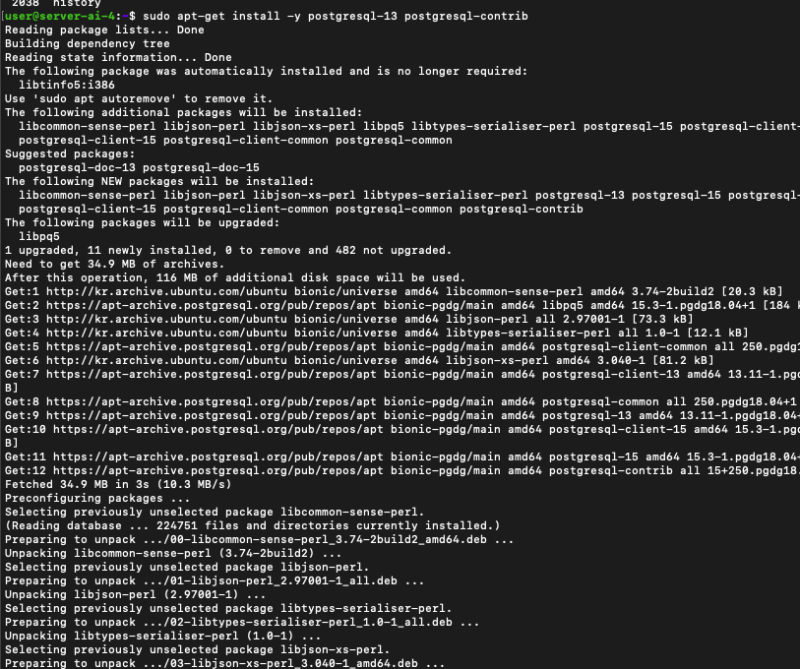
참조
https://askubuntu.com/questions/1178625/how-to-install-postgresql-13-in-ubuntu