[Clickhouse] 데이터베이스 삭제시 크기 초과 오류
50GB를 넘는 크기의 데이터베이스를 한번에 삭제하려고 하면 실패할 수도 있다.
SQL Error [359] [07000]: Code: 359. DB::Exception: Table or Partition in ....was not dropped.
Reason:
1. Size (82.70 GB) is greater than max_[table/partition]_size_to_drop (50.00 GB)
2. File '/var/lib/clickhouse/flags/force_drop_table' intended to force DROP doesn't exist
How to fix this:
1. Either increase (or set to zero) max_[table/partition]_size_to_drop in server config
2. Either pass a bigger (or set to zero) max_[table/partition]_size_to_drop through query settings
3. Either create forcing file /var/lib/clickhouse/flags/force_drop_table and make sure that ClickHouse has write permission for it.
Example:
sudo touch '/var/lib/clickhouse/flags/force_drop_table' && sudo chmod 666 '/var/lib/clickhouse/flags/force_drop_table'. (TABLE_SIZE_EXCEEDS_MAX_DROP_SIZE_LIMIT) (version 25.5.2.47 (official build))
, server ClickHouseNode [uri=http://192.168.0.76:8123/default, options={use_server_time_zone=false,use_time_zone=false}]@1928906976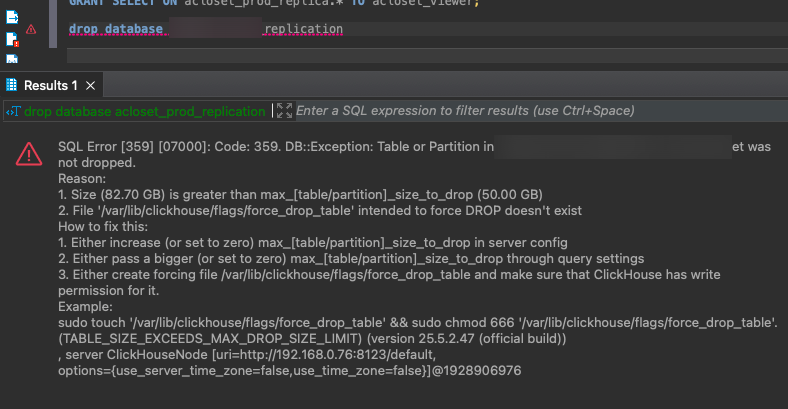
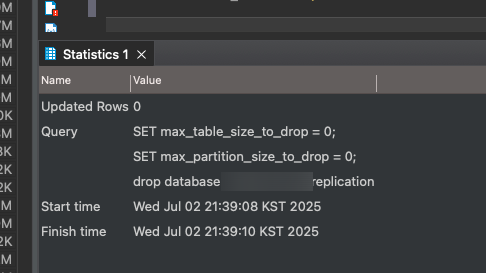
여기서 가장 간단한 방법은 그냥 플래그 임시로 꽂아서 제한 풀고 지우는 것이다.
SET max_table_size_to_drop = 0;
SET max_partition_size_to_drop = 0;
DROP DATABASE ...